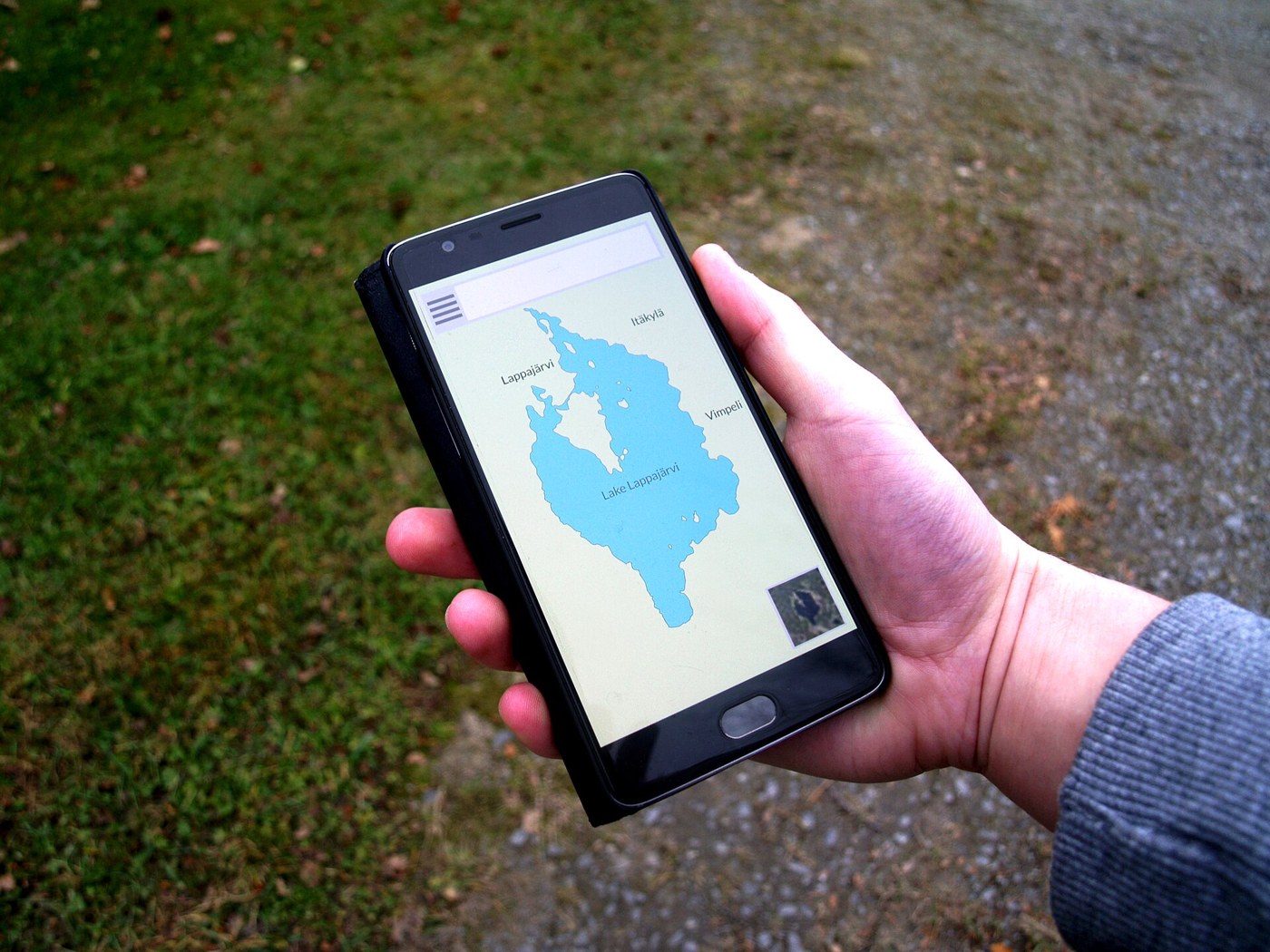

The accommodation address is in a message, the ticket is in an app, and the map has not been downloaded. While you have a connection, everything seems available. Trouble starts when those pieces are needed together and one fails to open. Brief preparation separates information actually saved from something you merely viewed on a screen once.
Prepare a small, recognizable collection
Collect the confirmations you will use over the next few days, with names showing their date and purpose. A file called accommodation_October_23 is easier to recognize than several identically named downloads. Include a written address, meeting point, and provider contact where relevant. If a booking changes, distinguish the current version so an older confirmation is not presented by mistake.
Do not copy personal documents as a routine. Keep only what is needed and choose protected storage for sensitive information. A travel folder shared with companions can contain schedules and addresses without complete passports, payment details, or private access codes. Being convenient to share does not mean everyone should be able to view it.
Download the area you will actually use
In an app that supports offline maps, review the boundary of the saved area. Including the town center is not enough if you also need the route from the terminal or access to your accommodation. Download before leaving, with sufficient connectivity and storage, and check the update date.
Google Maps allows areas to be saved, but offline use has limits: it does not provide all traffic information or the same public-transit, cycling, and walking functions. A displayed road also does not establish that it is open. Treat the downloaded map as an orientation tool and keep current road and access checks separate.
Run a short test
Temporarily turn off connectivity and open a document, your accommodation address, and the downloaded map area. Check that the text is readable and that a sign-in screen does not block access. Restore the connection after testing. If the provider requires a dynamic code inside its app, a screenshot may not replace it; confirm the accepted method.
Also consider reaching the information with a low battery or without your main phone. A written address and contact can solve a simple need without duplicating every document. Companions can carry appropriate shared details, while avoiding a concentration of passwords or unnecessary personal information.
Review saved material after the trip
After returning, remove copies you no longer need and review any shared folder’s permissions. Keep receipts that you need to retain separately. Maps for a previous region and expired reservations do not need to occupy the same space as the next trip’s working documents.